Getting started
Todo
TODO
Create a folder with the name hello_world and save all the following files inside.
Open FreeCAD and create a new document.
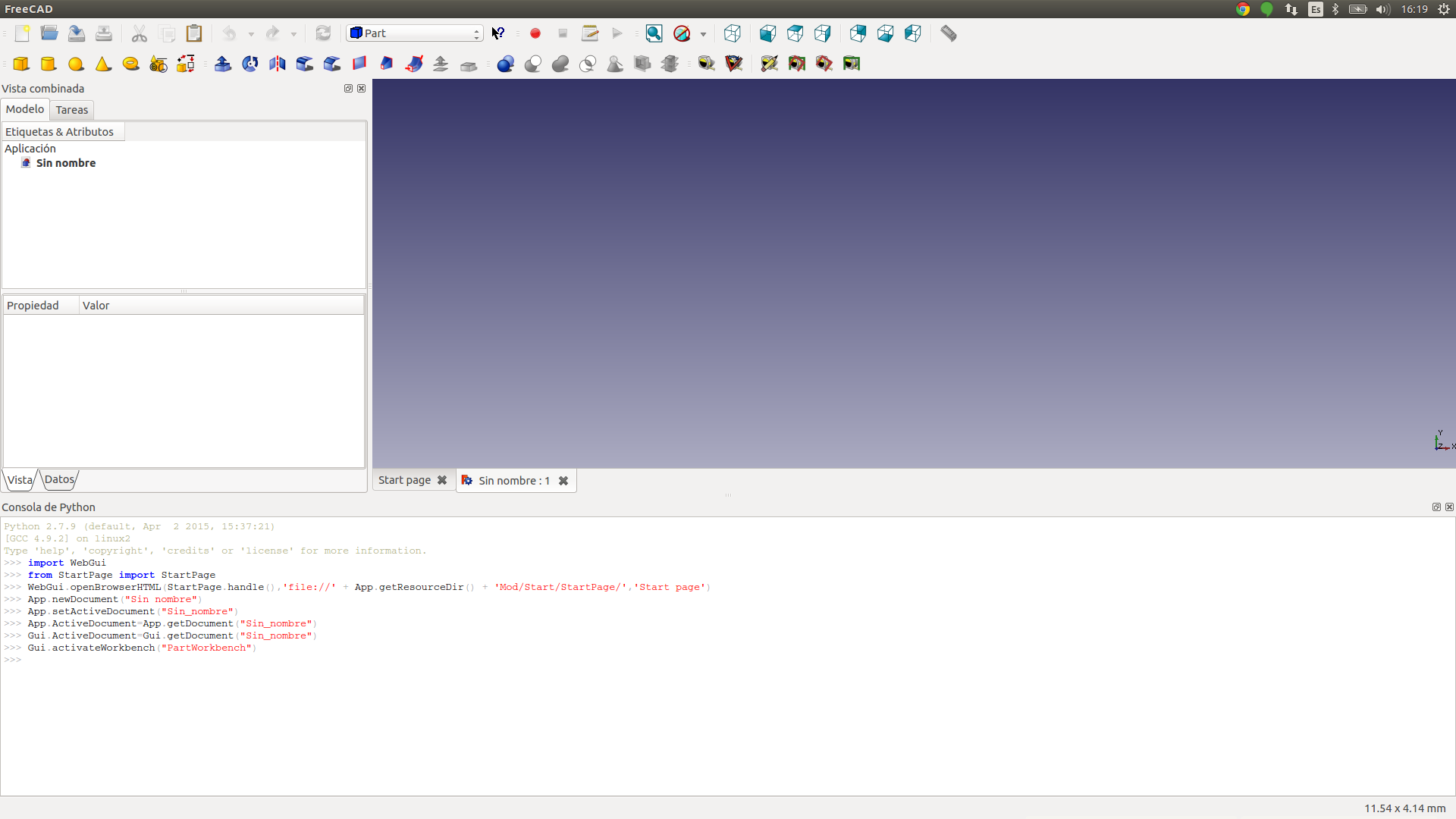
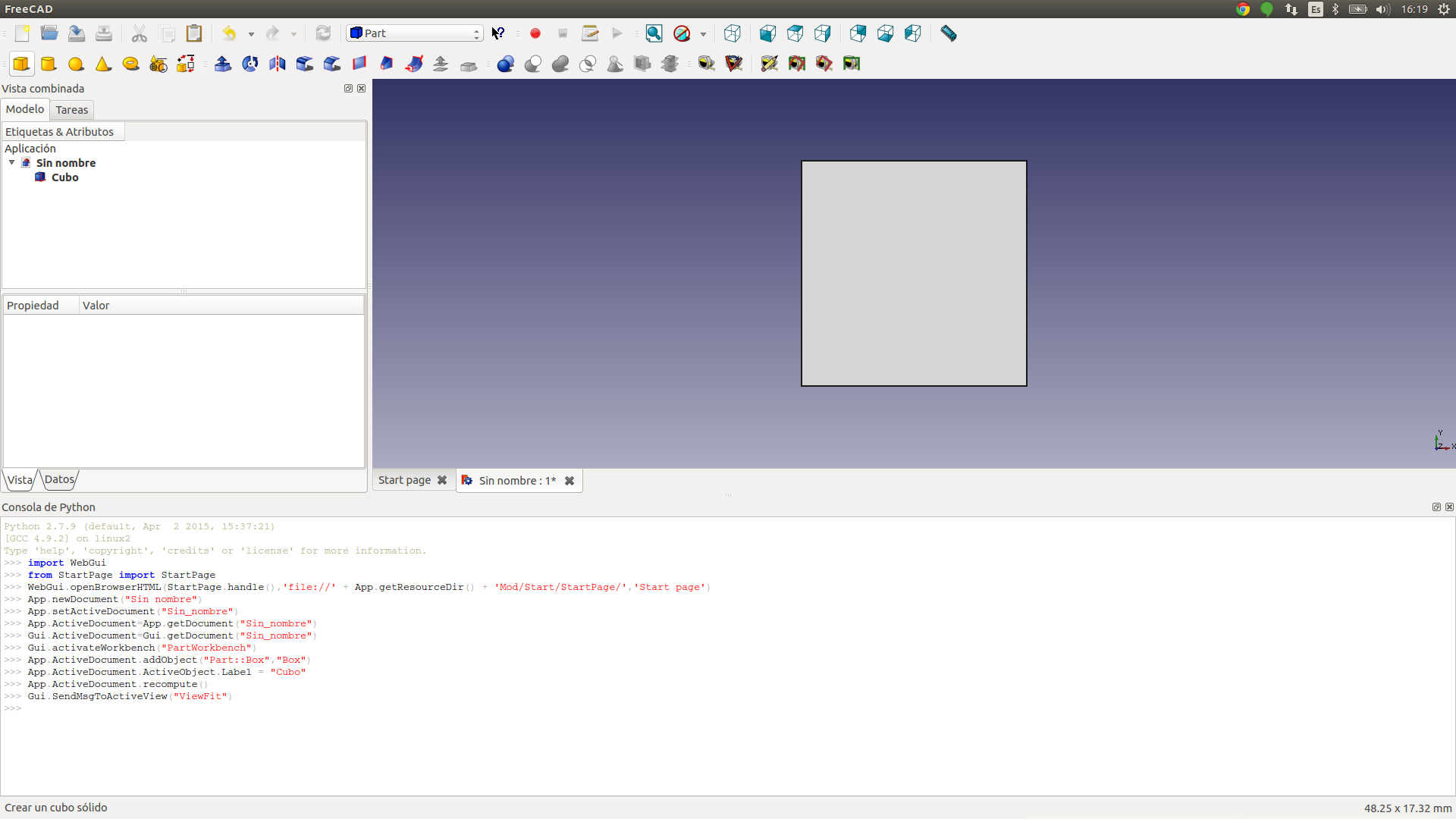
Create a cube.
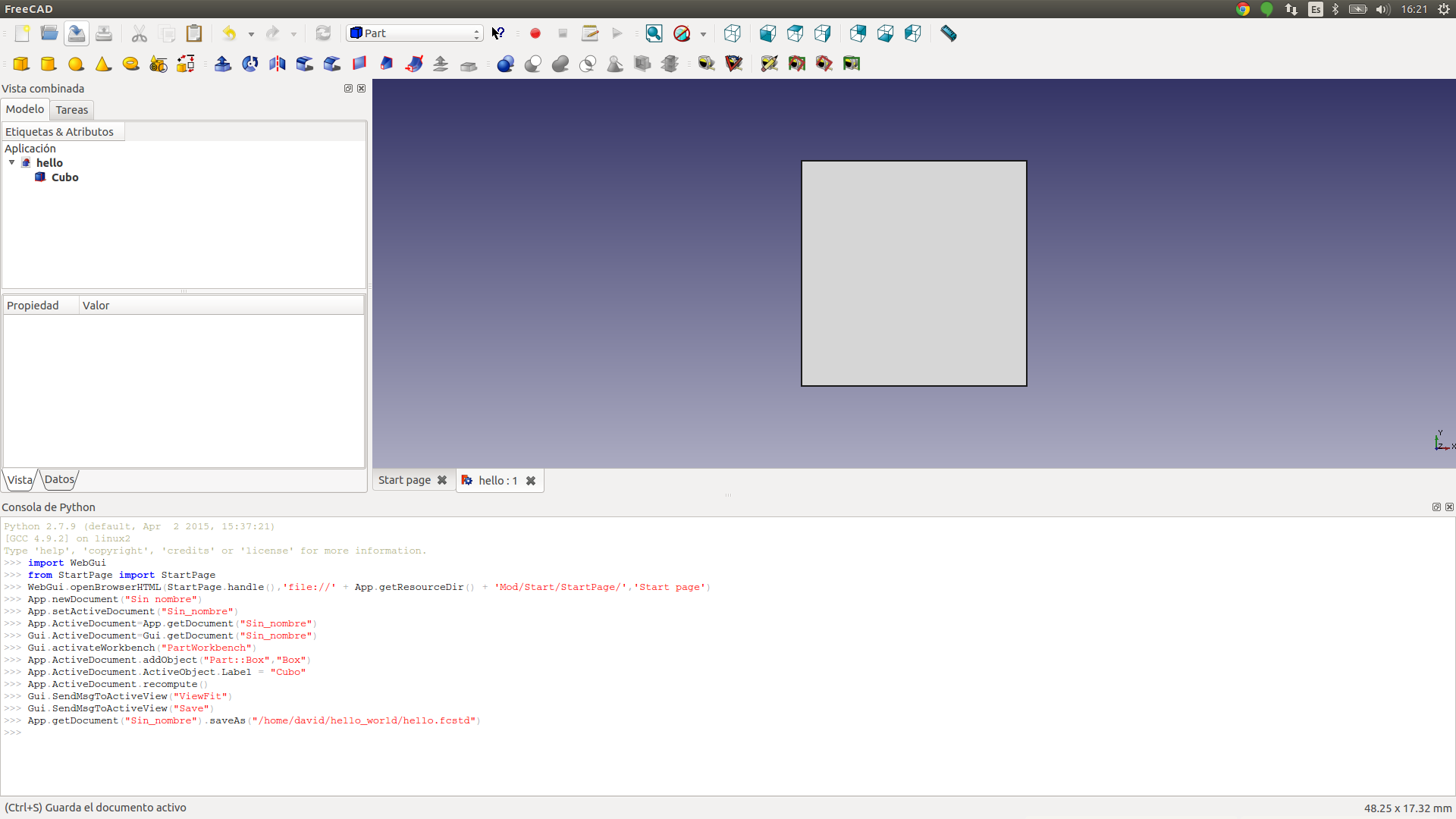
Save the document as hello.fcstd.
You can navigate the Cube info, for example, change the Cube Label to “hello_cube”.
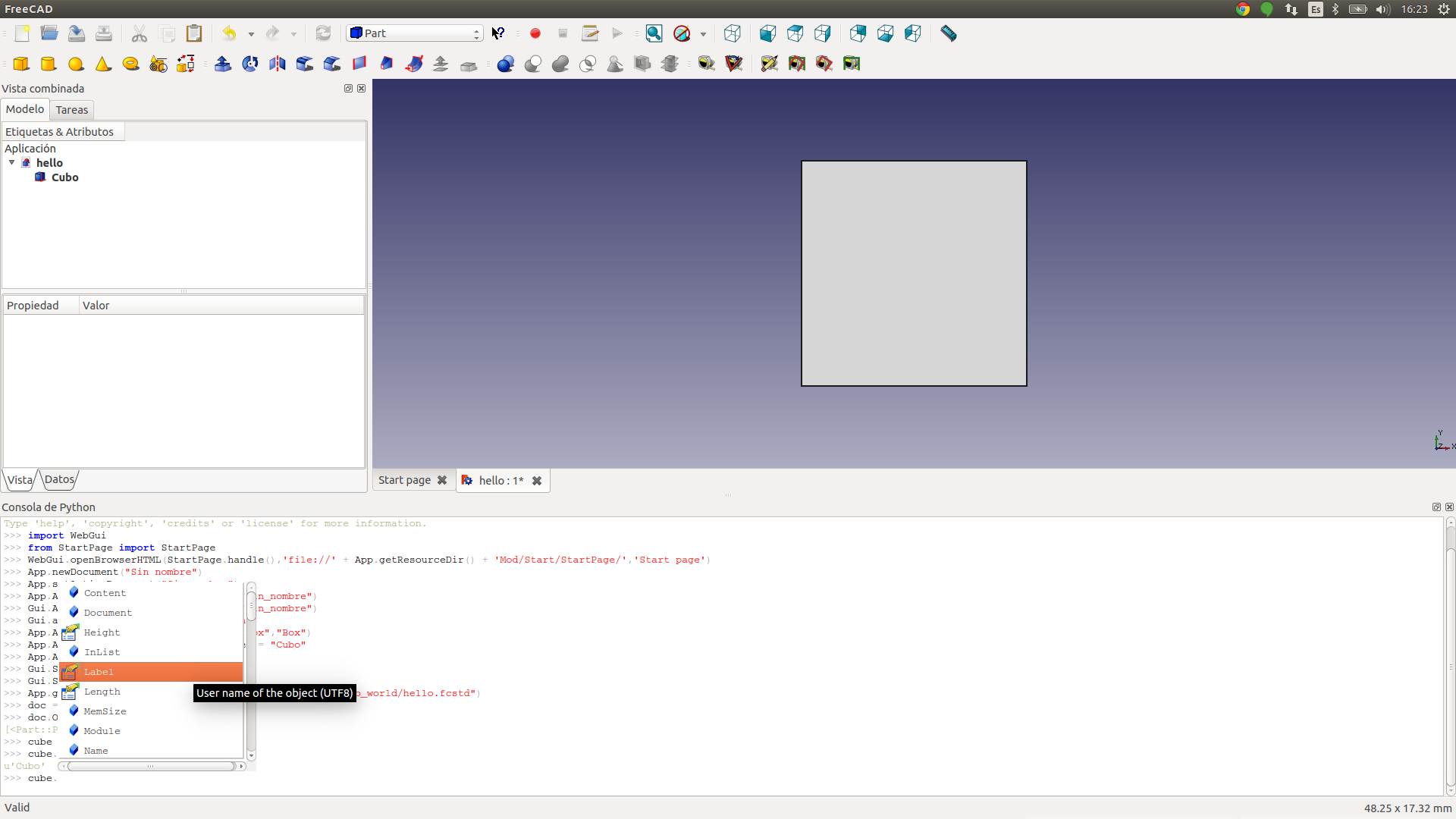
You can see all the editable paramaterers in the python terminal.
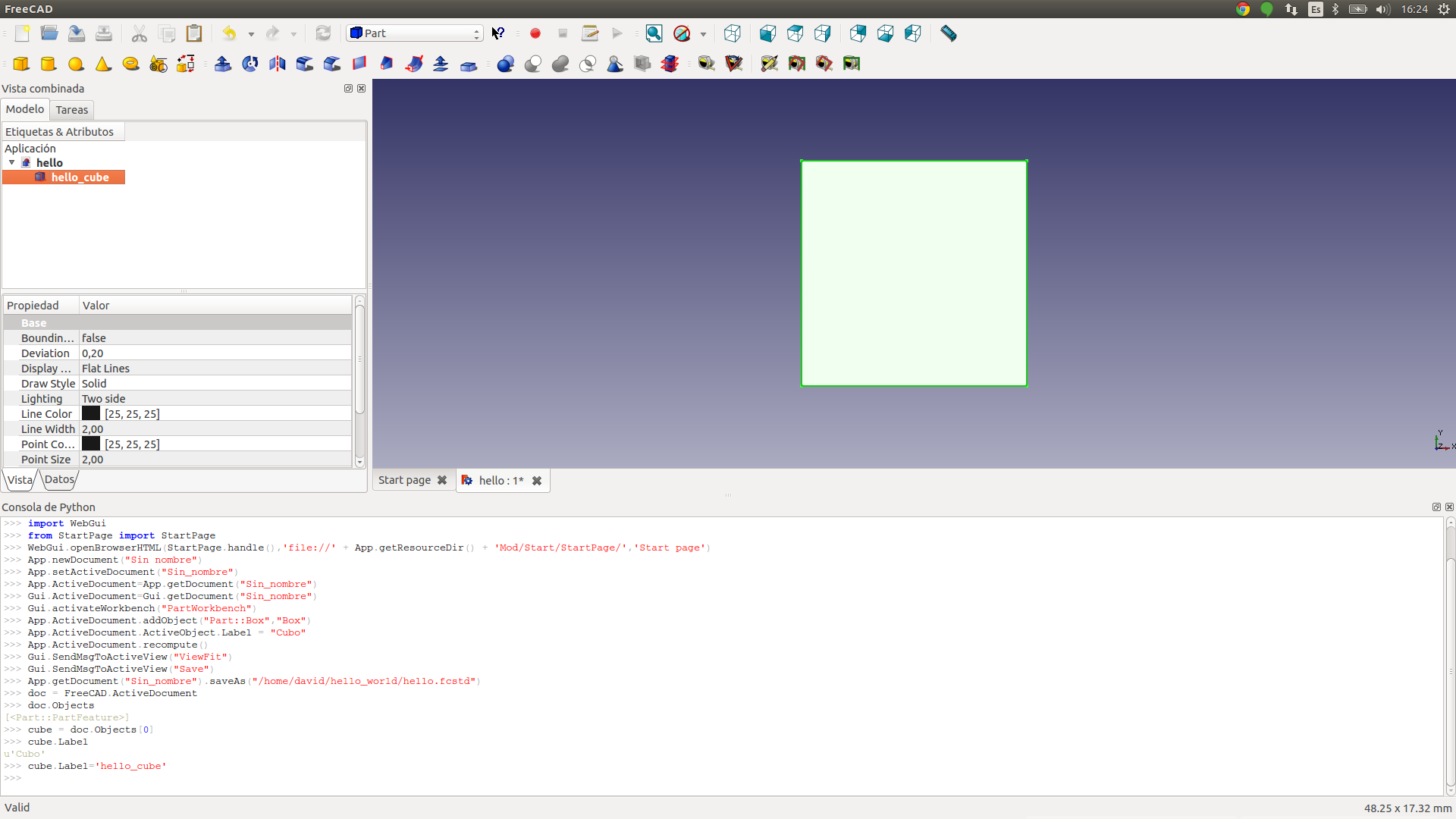
Save the project.
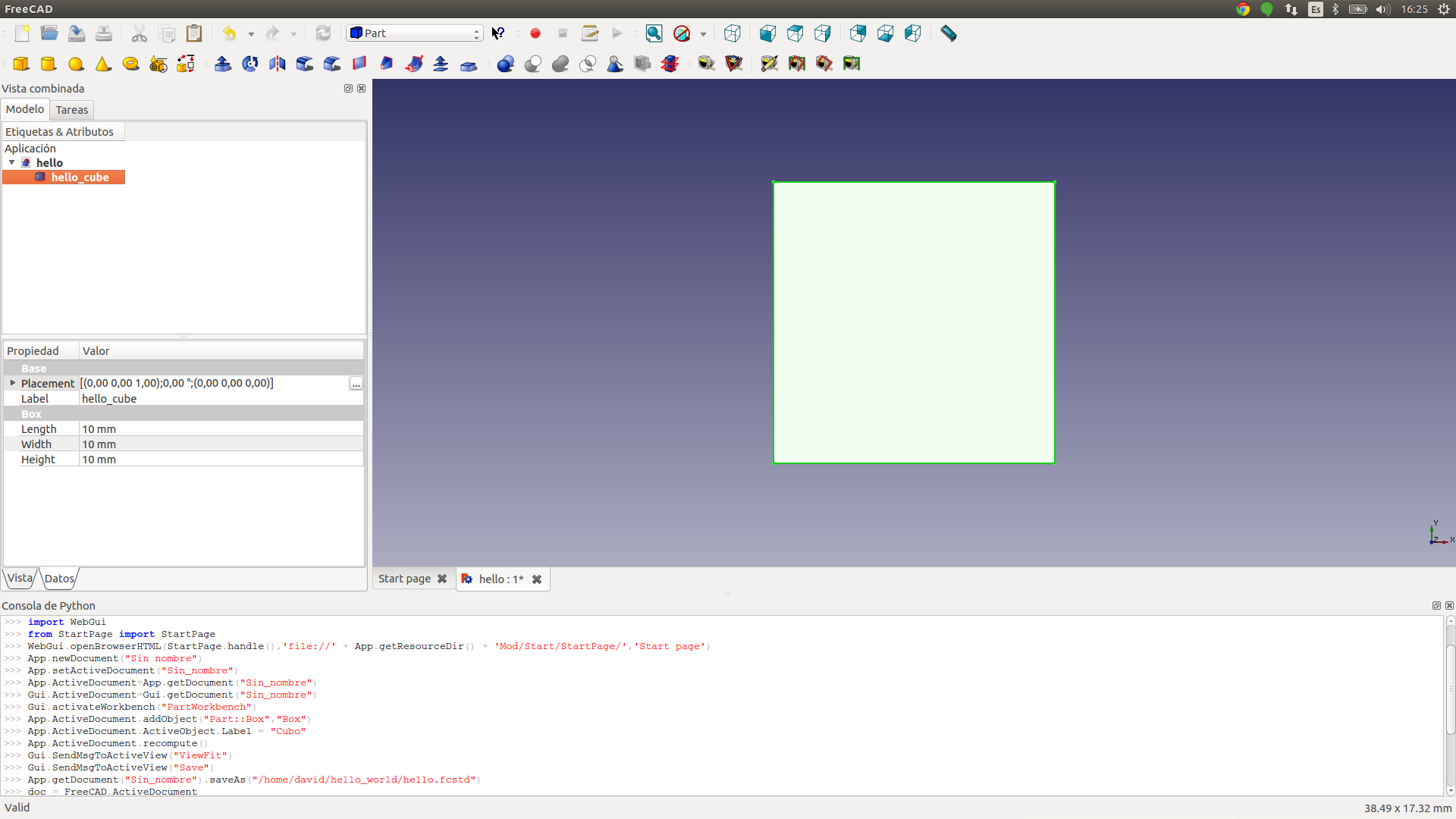
Create a machine script hello_world.py.
import sys
FREECADPATH = '/usr/lib/freecad/lib/'
sys.path.append(FREECADPATH)
import FreeCAD
import Mesh
import os


def machinebuilder(length, width, height, file_path):

    document = os.path.abspath("hello.fcstd")
    #-- Open document
    doc = FreeCAD.openDocument(document)

    #-- Edit parameters
    cube = None
    for figure in doc.Objects:
        if figure.Label == 'hello_cube':
            cube = figure
    if cube:
        cube.Length = length
        cube.Height = height
        cube.Width = width
        doc.recompute()

         #-- Export the file
        Mesh.export([cube], file_path)
and a machinefile.txt
[doc]
-title-
Hello World Cube
-description-
A simple CUbe
-images_url-
http://d33y93cfm0wb4z.cloudfront.net/coloringimages/3D_shapes/444x271/cube_447x271.jpg
[inputs]
int(length=50)
float(width=50)
int(height=50)
Now, you should have a folder tree like the following.
hello_world/
├── hello.fcstd
├── hello_world.py
└── machinefile.txt
Create a hello_world.zip file with all the files and Upload the machine.